
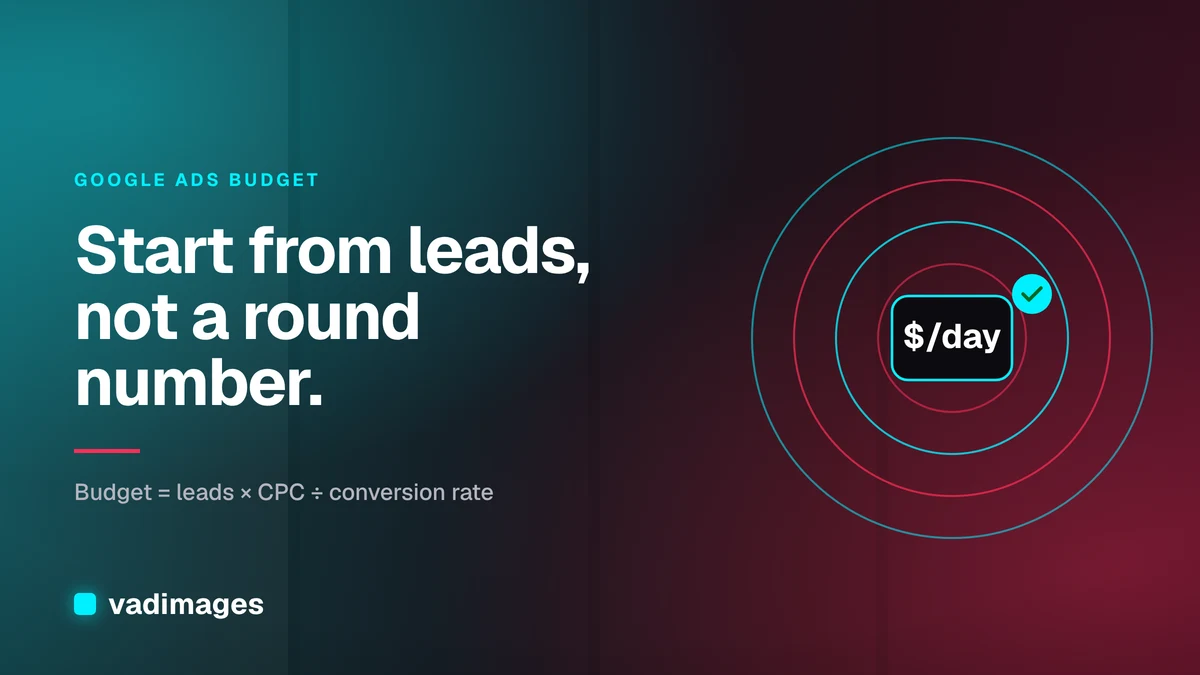
A Google Ads budget is the amount you commit to paid search clicks over a month, set in Google Ads as an average daily budget per campaign. How much you should spend is not a guess and not a percentage of revenue pulled from a blog post. It comes from a short calculation: the number of leads or sales you want, multiplied by what a click costs in your market, divided by how often your landing page turns a click into a lead. For most US small businesses that math lands on a test budget you can afford to run for at least two to three months, followed by a scale-up only once tracking proves which keywords pay back.
This guide from the Vadimages team in Vancouver, WA walks through that calculation step by step, explains how Google actually spends your money, and shows where most small-business budgets leak. It's written for owners and marketing leads at US small and mid-sized companies who want a number they can defend, not a number an ad platform suggested.
How Google Ads actually spends your budget
Before picking a number, it helps to know how Google treats it. You don't set a monthly budget in a standard campaign; you set an average daily budget. According to Google Ads Help (as of 2026), Google may spend up to twice your average daily budget on a busy day, but over a calendar month it won't charge more than your average daily budget multiplied by 30.4, the average number of days in a month. So a $50 daily budget means a monthly ceiling of about $1,520, with some days well above $50 and some well below.
Three practical consequences follow:
- Plan in months, set in days. Decide your monthly spend, then divide by 30.4 to get the daily figure you enter.
- Each campaign has its own budget. If you split one modest budget across five campaigns, each one gets too little data to learn from. Fewer, focused campaigns usually work better for small accounts.
- The budget is a cap, not a target. What you actually pay per click is set by the auction, your bids, and your ad and landing page quality. A budget that runs out by noon every day is telling you something about your keywords or bids.
The budget formula: start from leads, not from a round number
The most reliable way to set a Google Ads budget is to work backward from the business result you need. You need three inputs:
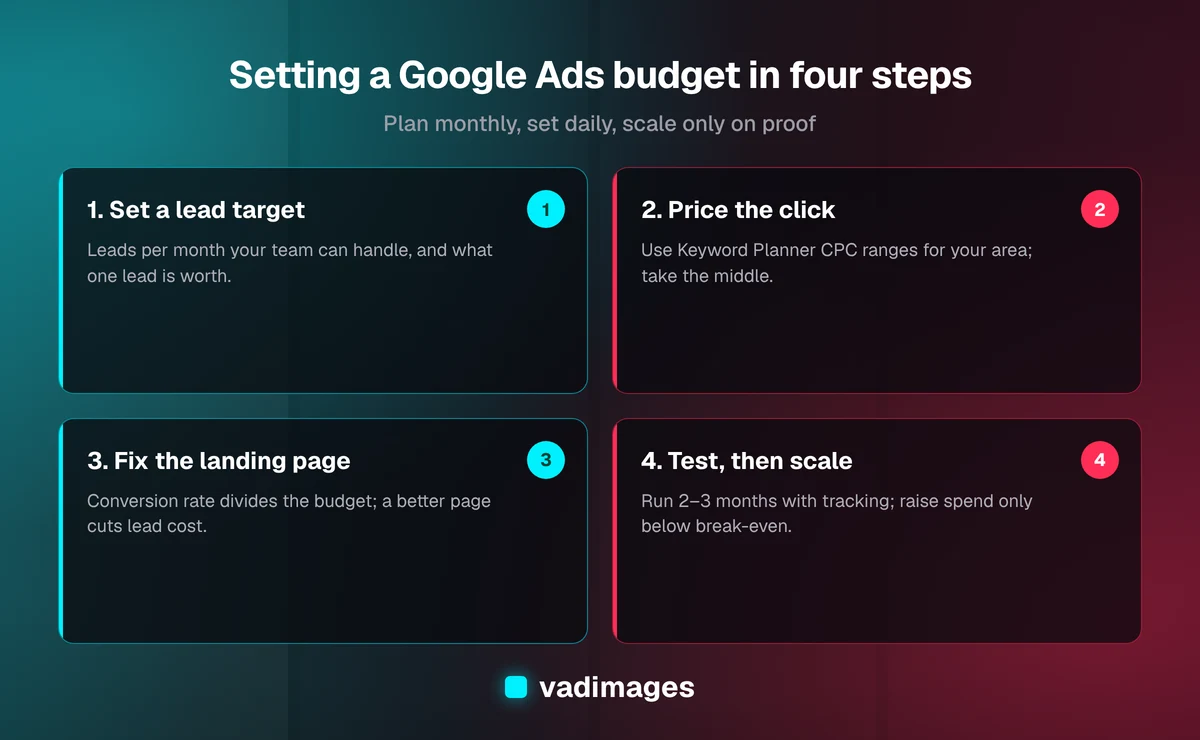
- Target conversions per month. How many leads, booked calls, or orders do you want from paid search? Start with a number your team can actually handle.
- Estimated cost per click (CPC). Use Google's free Keyword Planner to see the top-of-page bid ranges for the keywords you'd target in your service area. Use the middle of the range, not the low end.
- Landing page conversion rate. The share of visitors who become a lead. If you already run ads or have analytics with conversion tracking, use your own number. If you don't, pick a conservative assumption and replace it with real data after the first month.
The formula is: monthly budget = target conversions × CPC ÷ conversion rate.
Here is an illustrative example, with numbers chosen only to show the math. A home-services company wants 20 leads a month. Keyword Planner shows clicks in its area around $8. It assumes its landing page converts 5% of visitors. That's 20 × $8 ÷ 0.05 = $3,200 a month, or about $105 a day. If the page converted 10% instead, the same 20 leads would cost $1,600. That gap is why the landing page matters as much as the bid.
Check the answer against what a lead is worth
The formula tells you what the leads will cost. The next question is whether they're worth it. Work out your maximum affordable cost per lead:
- Take the average gross profit from one new customer (use lifetime value if customers reliably come back).
- Multiply by your close rate: the share of leads that become paying customers.
- The result is the most you can pay for one lead and break even. Aim to pay meaningfully less.
Using the illustrative example: if a job brings $1,200 in gross profit and the team closes one in four leads, a lead is worth $300. At $160 per lead ($3,200 ÷ 20), the campaign is profitable on paper. If gross profit per job were $400, a lead would be worth $100 and the same campaign would lose money, and no amount of budget would fix it. In that case the fix is a better landing page, tighter keywords, or a different channel, not more spend.
How much should a small business spend to start?
There is no single right figure, but there is a right shape. A starting budget should be:
- Large enough to get data. If your daily budget buys only a handful of clicks, you'll wait months before you can tell a good keyword from a bad one. Your formula result is a reasonable floor for a test.
- Small enough to lose. Treat the first two to three months as paid research. Only commit money you could spend without hurting cash flow if the test shows the channel doesn't work for you.
- Concentrated. One campaign, one service, one area, a short list of high-intent keywords (the ones people type when they're ready to buy, such as "emergency plumber near me" rather than "how to fix a leak"). Broaden only after that works.
If the formula produces a number you can't afford, don't spread a smaller budget thinly across everything. Narrow the scope instead: fewer services, a smaller geography, or peak hours only. A small budget on a narrow target can still produce clear answers; a small budget on a broad target mostly produces noise.
Where small-business Google Ads budgets leak
Wasted spend in small-business accounts usually traces back to a few repeat problems, and almost none of them are fixed by changing the budget:
1. No conversion tracking
If Google Ads can't see form submissions, calls, or purchases, you can't tell which keywords work, and automated bidding strategies that optimize for conversions have nothing to learn from. Set up conversion tracking before you spend, and test it with a real form submission.
2. Sending ad clicks to the homepage
A homepage talks to everyone. A dedicated landing page matches the search: same service, same location, one clear next step, and a fast load on mobile. Because the conversion rate sits in the denominator of the budget formula, improving the page lowers the cost of every lead you buy.
3. Broad keywords with no negatives
Broad matching can show your ads for loosely related searches: job seekers, DIY guides, free tools. Review the search terms report weekly in the early months and add negative keywords for anything that will never become a customer.
4. Default settings left on
New Search campaigns may include options such as the Display Network or broad location targeting depending on how they're created. Check that location targeting reaches people in your service area, not just people interested in it, and that networks match your intent.
5. Judging results too early
Changing bids, ads, and budgets every few days resets what the campaign has learned. Make one meaningful change at a time and give it enough clicks to judge.
When to raise or cut the budget
After the test period, let the numbers decide:
- Raise it when your cost per lead is comfortably below your maximum affordable cost per lead, the campaign regularly hits its daily cap, and the Google Ads interface reports you're losing impression share because of budget. Increase in steps rather than doubling overnight, and watch whether cost per lead holds.
- Hold it when cost per lead is near break-even. Improve the landing page, ad copy, and keyword list first, then revisit.
- Cut or pause it when cost per lead stays above what a lead is worth after you've fixed tracking, landing page, and keywords. Paid search isn't the right channel for every business at every price point.
Also budget for the seasons in your business. A landscaping or HVAC company may want a larger budget in its peak months and a maintenance budget the rest of the year. Because Google caps spend monthly, you can adjust the daily figure at the start of each month.
The costs that aren't in the ad budget
Click spend is only one line. A realistic plan also covers:
- Landing pages. One or more pages built for paid traffic, fast on mobile and connected to your CRM or inbox.
- Tracking setup. Conversion tracking, call tracking if phones matter to you, and analytics you can trust.
- Management time. Someone has to read the search terms report, write ads, and adjust bids, whether that's you, a staff member, or an agency with its own fee.
- Lead follow-up. Paid leads lose value if nobody calls back the same day. A simple integration that routes form leads straight into your CRM often matters more than a bigger budget.
This is where Vadimages typically helps. We don't sell ad spend; we build the conversion-focused pages, tracking, and integrations that make every dollar of it count. As of 2026, our website design and development projects typically run $8,000 to $35,000 depending on page count, design depth, and integrations, and projects start at $5,000+. You can see how we scope and price work on our pricing page and how projects run on how we work. If you want leads to flow from ads into your sales tools automatically, our custom software team builds those integrations, and our industries page shows the kinds of businesses we work with.
A quick checklist before you set your budget
- Write down your monthly lead target and what one lead is worth.
- Pull CPC ranges for your top keywords and area from Keyword Planner.
- Confirm conversion tracking works with a test submission.
- Point ads at a dedicated landing page, not the homepage.
- Run the formula, divide by 30.4, and set that daily budget on one focused campaign.
- Review search terms weekly; decide on scale after two to three months of data.
Frequently asked questions
How much should a small business spend on Google Ads per month?
Enough to reach your lead target at your market's click prices: monthly budget = target leads × cost per click ÷ landing page conversion rate. Check that the resulting cost per lead is below what a lead is worth to you, and treat the first two to three months as a test.
Can Google Ads spend more than my daily budget?
Yes, on individual days. According to Google Ads Help (as of 2026), a campaign can spend up to twice its average daily budget on a given day, but the monthly charge won't exceed the average daily budget multiplied by 30.4.
Is a small Google Ads budget worth it?
It can be, if you keep it narrow: one service, one area, high-intent keywords, working conversion tracking, and a dedicated landing page. A small budget spread across many campaigns rarely produces enough data to make decisions.
How long before I know if Google Ads works for my business?
Plan on two to three months of steady spend with conversion tracking in place. That's usually enough clicks to see which keywords produce leads and what each lead really costs.
Should I increase my budget or improve my landing page first?
If your cost per lead is above what a lead is worth, improve the landing page, keywords, and tracking first. A better conversion rate lowers the cost of every lead; a bigger budget only buys more of the same leads at the same price.
Want ad clicks to turn into more leads before you raise the budget? Contact Vadimages in Vancouver, WA for a straight assessment of your landing pages and tracking, with a fixed scope and transparent pricing before any work starts.